So I was a little late to the game on mechanical keyboards but I tried my best to catch up in 2022 and so I could try to make it into 2023. The first one I got was the Ducky-Mini with Cherry MX Brown switches which offers a bit of a quieter/smoother version of a tactile switch or a rougher/scratchier version of a linear. This is a good wfh keyboard as it’s not as annoying to type on while in the middle of meetings and it offers more feeling during key travel compared to a linear in addition to lesser sound compared to a clicky. I then picked up a Drop-Alt and put Holy Panda switches in it and the feeling and sound matched more closely to the tactile experience which other reviewers were talking about. It’s a solid and stable keyboard and the key press feedback feeling and sound reminds me more of an olden analogue type writer. It’s a much more enjoyable keyboard to type on — a true tactile experience. I lastly purchased a Matias-Mini with Alps White switches that are both clicky and tactile. This is a fun keyboard to type on for personal projects as it has the same characteristics of the Drop keyboard but with a slightly louder and higher pitched sound to it. It’s a great keyboard for all Mac enthusiasts!
The BSD PacketFilter firewall has an extra scrub option which is, “reassemble tcp”. I was researching and exploring the different types of fragmented-packets/segmented-streams of data that could be forwarded within a network that may have a smaller MTU link in the middle of the routing path. I am still reading about what this option does on a streamed session and if Linux has anything similar to it…
Note: nftables has user-land hooks via nfqueue
# nft insert rule ip mangle FORWARD ip daddr 8.8.4.4 tcp dport 53 counter queue num 1

from scapy.layers.inet import IP
from netfilterqueue import NetfilterQueue

def que_packet(pkt):
    pay = pkt.get_payload()
    ipf = IP(pay)
    print("pkt",pkt)
    ipf.show()
    pkt.accept()

nfqueue = NetfilterQueue()
nfqueue.bind(1, que_packet)

try:
    nfqueue.run()
except:
    print("exit")

nfqueue.unbind()
Edit: I found that it was a bit complicated trying to understand when optimized network stacks (software or hardware) will combine multiple TCP segments into bigger IP packet payloads and that trying to perform reassembly at that higher level was a bit challenging/difficult. I came up with a way to solve the occasional web site having slow upload speeds for large files by running an nginx transparent reverse proxy server for HTTP/HTTPS instead!
Well, 2022 was a long and crazy year for me (health wise as well) but I’m trying to get back on track and focus and concentrate on new things in life! I’ve been finding that the older I get, the more I think about the olden golden days of being a kid and growing up in an analogue world, before the invention of the internet and computers. Times were simpler but more basic and it’s kinda crazy to think about how much progress and change exists nowadays. I remember a time when my specific search term in Google actually showed me the exact thing I was looking for haha 🙂 Anyway, I’ll try to keep this blog going as a personal hobby of interesting things that I find out along the way in life. Just random tech craziness if you will!
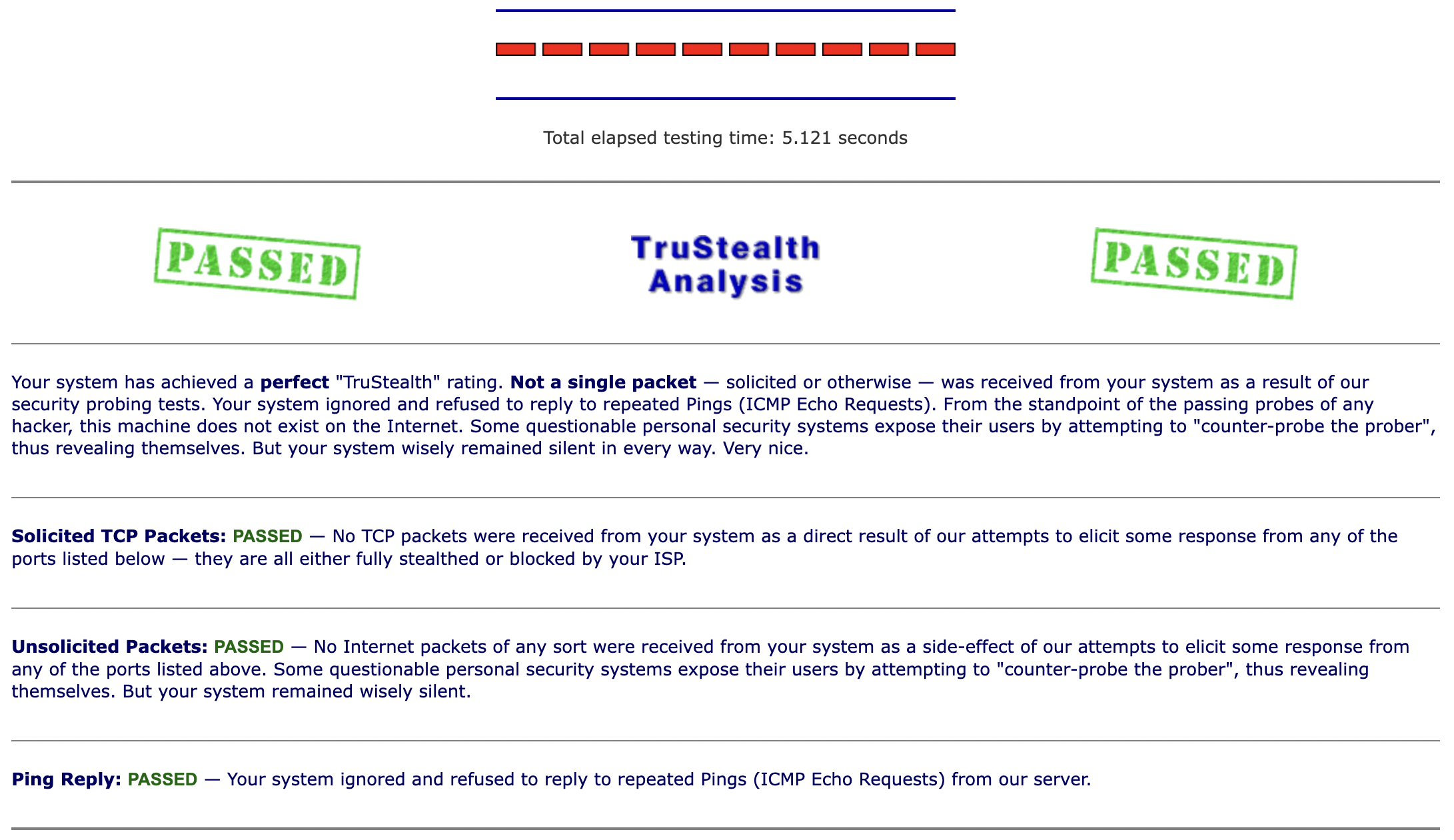
So, I was searching around for the Linux equivalent of the BSD PF firewall rule “scrub-all no-df” and I was expecting that there would be an “iptables mangle prerouting” version – but – no luck! I just wanted to be able to clear this specific bit in the IPv4 packet header with a Linux router so that it would be able to fragment the packets along the inner routes that may have a lower MTU set. Since I couldn’t find anything I made one myself 🙂
As you can see below, the first IPv4 packet (unmodified) contains the DF bit flag set on (0x0000: …. 4000 ….) compared to the modified packet below in the “After Send” section.
Edit: In addition to this Linux kernel nftables module, I found out that there is another one running for IPv4 packet defragmentation which should also be similar to the scrub rule “fragment reassemble”. According to the documentation, if you have any stateful connection tracking rules for layer-4 (for example, postrouting nat rules or prerouting udp ports) then the fragmented packets should get reassembled again. I am looking into the scrub rule “reassemble tcp“…
So I had this Mac Mini that I was originally using as a WiFi relay bridge (layer 2) but since then I was only using it as an rsync backup server. I decided to also turn it into a VPN tunnelling router (layer 3) for my home network setup by using OpenVPN on MacOS (connected to a Debian Linux server). I was testing out its performance and it was holding up pretty good and stable but I wanted to give WireGuard a try as well, just to see and compare. Upon initial configuration, I noticed that WireGuard was defaulting to a lower MTU (1420) compared to what I had set in OpenVPN (1450) and that some of my connections to websites were unstable/slow/hanging. Additionally, with OpenVPN, I was able to set some extra settings like MSS & fragmentation limits and I couldn’t find the equivalent of those with WireGuard. However, I do like the overall simplicity of the WG config and setup process!
I actually lowered the WG MTU (1410) but this could potentially cause larger size packets to fragment. I was searching around and found that it was possible for one to clamp the MSS values on forwarded/routed packets with an iptables forward/mangle rule. Since the Mac is the VPN client and has the BSD PF firewall, I also set a scrub rule as well:
# bsd pf
scrub all no-df random-id max-mss 1330

# nix nf
iptables -t mangle -A POSTROUTING -p tcp --tcp-flags SYN,RST SYN -j TCPMSS --set-mss 1330

# iptables-translate ftw!
I was also trying to read more about the “don’t fragment” bit that could get set on packets along the way (sometimes when the PMTUD setting is enabled) and the pf-scrub rule can help to clear that bit (no-df) where I couldn’t yet find the equivalent on the Linux side. I also tried setting these sysctl values as well:
# mac
sysctl net.inet.tcp.path_mtu_discovery=0

# nix
sysctl net.ipv4.ip_no_pmtu_disc=1
I’m still playing around with this setup but it’s been an interesting networking experiment so far in terms of seeing how your web connections handle and react to being encapsulated automatically by a network router…
Edit: I have written a Linux kernel module to do the equivalent of “scrub-all no-df“
Well it’s been a tough number of years for me as all of my personal belongings have been packed up in boxes the entire time, however, I have finally been able to move into a new space and a new place.
As a new decorative piece to hang on the wall, I was able to get a large size, glass print of the MacOS flying Apple desktop background wallpaper I created from Fracture Me. It helps to add a little more fun and colour inside and they have pretty good quality printers (quick service as well).
So after many years of using and learning iptables, one of my favourite firewalls, I had to translate my command line ruleset into a new format/syntax. It wasn’t too bad but with the added power and flexibility of nftables, it can be harder to find the order/priority of the rules for a given filter hook, for example, INPUT. However, I really appreciate how the new firewall incorporates some previous features that I used to have to install via iptables modules like ipset and hashlimit, which provides the rate limiting functionality!
So on OpenWRT for example, a WAN interface can be set get an IP address via DHCP, however, this will launch a separate independent process on Linux to act as the client. On the web interface, there is a button on each network interface which allows you to restart that individual interface (and in addition, it will be smart enough to kill the previous client process and launch a new one as well as re-initialize the firewall and other stuff). I could not find the equivalent command line option to this as a simple ifdown/sleep/ifup would not capture all of these sub-actions as per the extra configurations set on the interface. So I searched and read a helpful hint that can give a similar workaround using the network init startup script. You can modify some small part of the network interface configuration and then call network reload which will be smart enough to pick up the diff/changes only. This helps greatly in case you need to script or schedule a specific interface restart:
So there was a Reddit thread today that was diverging into bad coding tests plus grade evaluation puns (C++) – so I tried to make a purposefully confusing C program behave in a way that a coder or programmer wouldn’t exactly expect. After I wrote it, I had to put in some for-loop-printf-debug statements just to confirm and demonstrate how the right-to-left side value-lookup to delayed-increase to index-assignment works in C, it’s pretty neat to try and analyze how and why this is “working” lol!
#include <stdio.h>
int main()
{
    char A = 'A', B = 'B', C = 'C', D = 'D', E = 'E', F = 'F';
    char grades[256];
    grades[A++] = A++;
    grades[B++] = B++;
    grades[C++] = C++;
    grades[D++] = D++;
    grades[E++] = E++;
    grades[F++] = F++;
    printf("My grade is %c!\n",grades[C++]);
}
And basically this will print out “My grade is D!” – but it’s fun to trace through how each line will process the value statement first and then the assignment index is processed afterwards. In addition, each line will affect the next statement below because of the increases that take place in between processing sides, so the future lookup index values are being changed along the way! 🙂
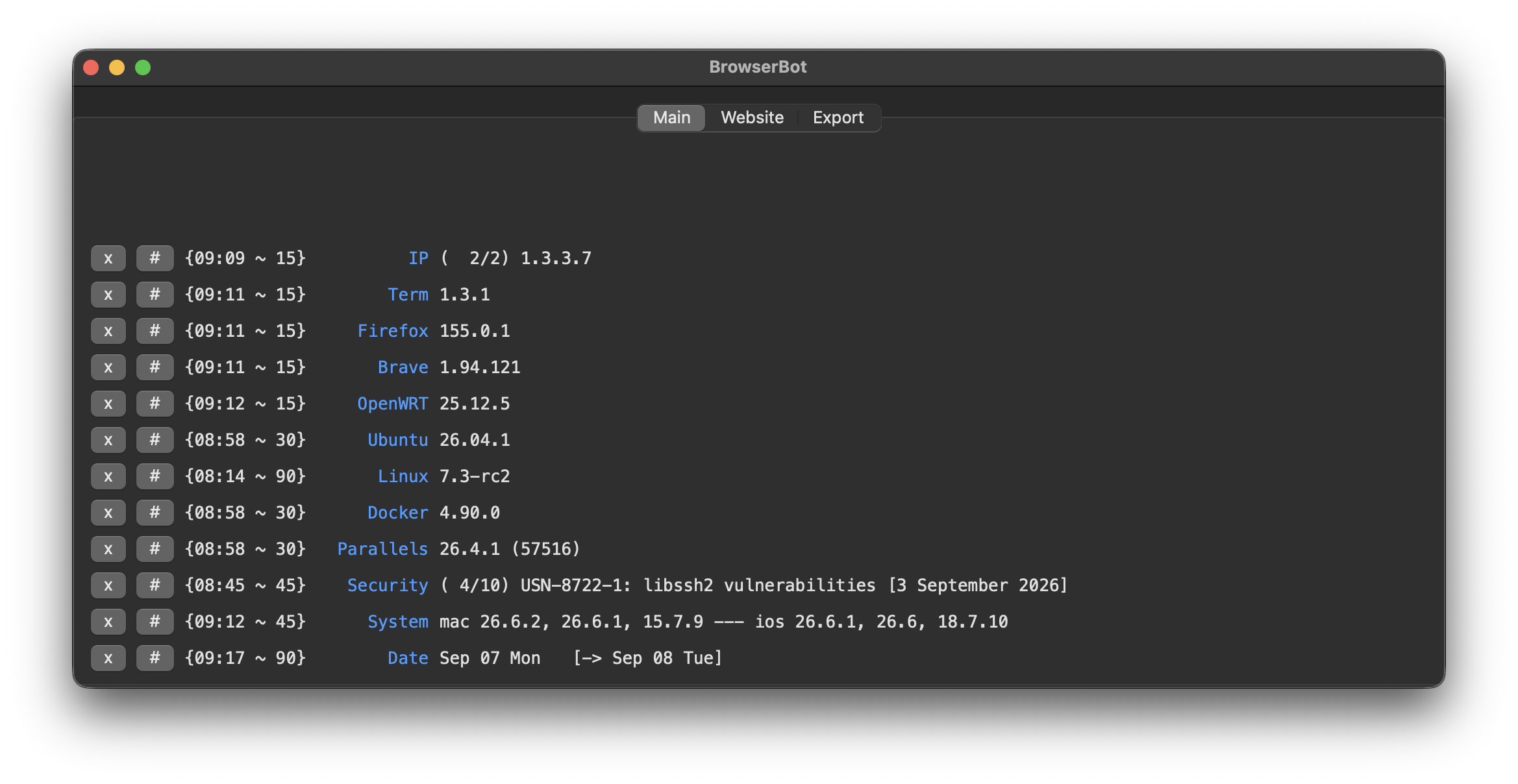
So, there was one more app I needed to complete my personal trilogy, and it’s named BrowserBot! It’s an app that will help “curl” the web for any page you’d like to monitor for changes, and you can feed it custom commands (similar to ClippyCommand) so it will parse out any field/value you specify. I had scripts running in a crontab to do this but I wanted a more centralized and official place to quickly view the latest and refreshed web data that I was interested in tracking for security reasons!
So as a Mac/Linux/BSD fan, I’ve posted a few different Microsoft related creations/customizations that I use as a daily reminder of the good old days! Even though I wasn’t the biggest fan of Windows and Explorer, I still tried to make some dock icons to appreciate and represent both of them in the future. I was just missing one last memory of mine, which was, Clippy! I created a new MacOS app that allows you to pipe the copy-paste buffer into a set of your own customized bash shell command line programs and it will rewrite the paste buffer so you are ready to go! This is the second custom app in my dock, along side my DynaDock application.
So I recently ordered a Drop Alt keyboard with Halo True switches as it offered the ability to hot-swap them out. The case and frame is much more stable and solid compared to the Ducky Mini and it produces a much more clunky-analogue, type-writer kind of sound. I put in some Holy Panda switches and they have a greater feeling tactile bump at the start of the key travel along with a slightly lighter spring force for an easier press downwards. Both are great switches to type on overall!
Edit: For comparison, the Cherry Brown switch has a tactile resistance during the key travel, but the bump in the beginning is not as noticeable or pronounced as to what some of the other switches offer and the spring force is much lighter.