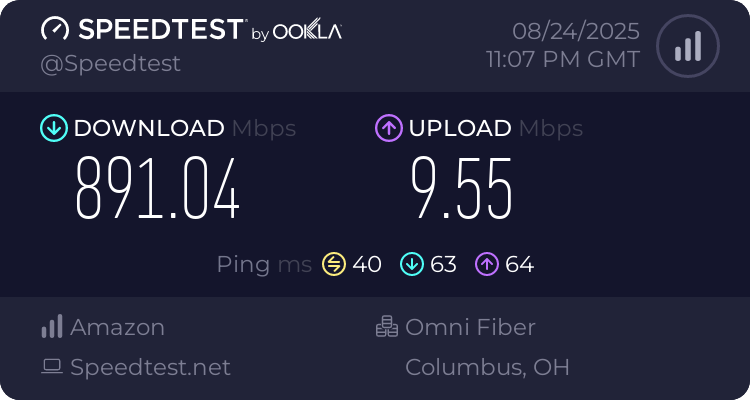
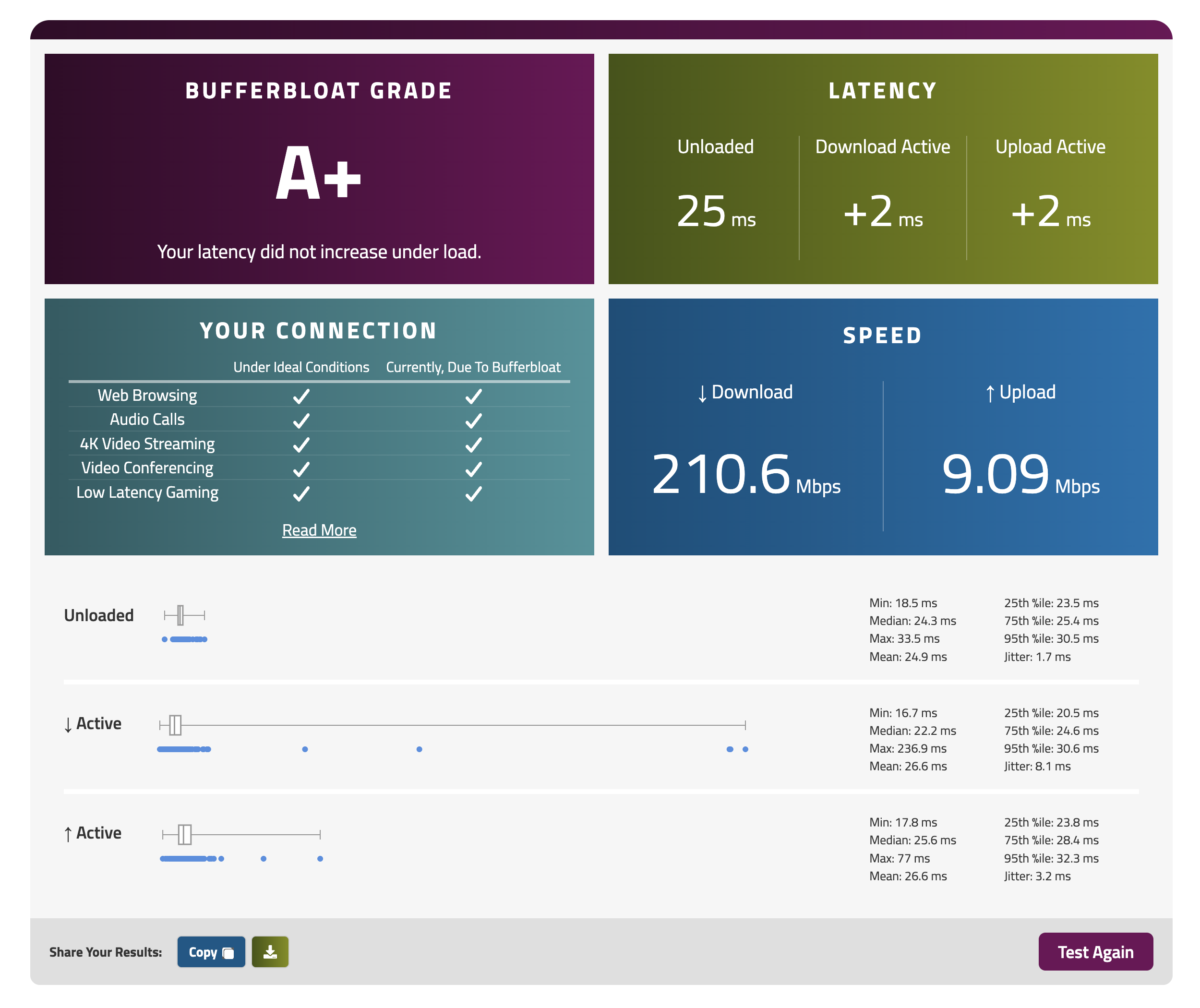
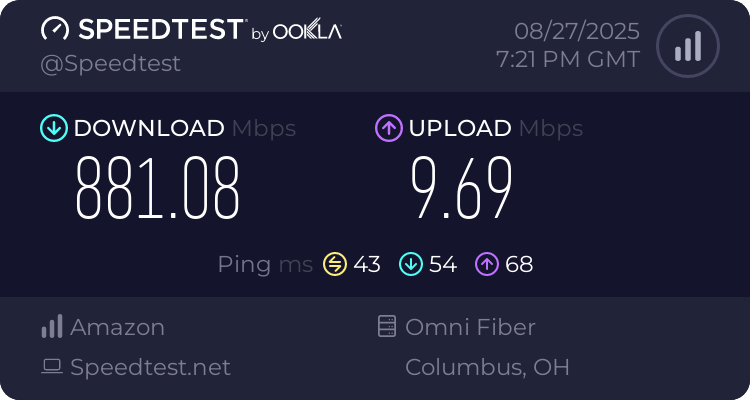
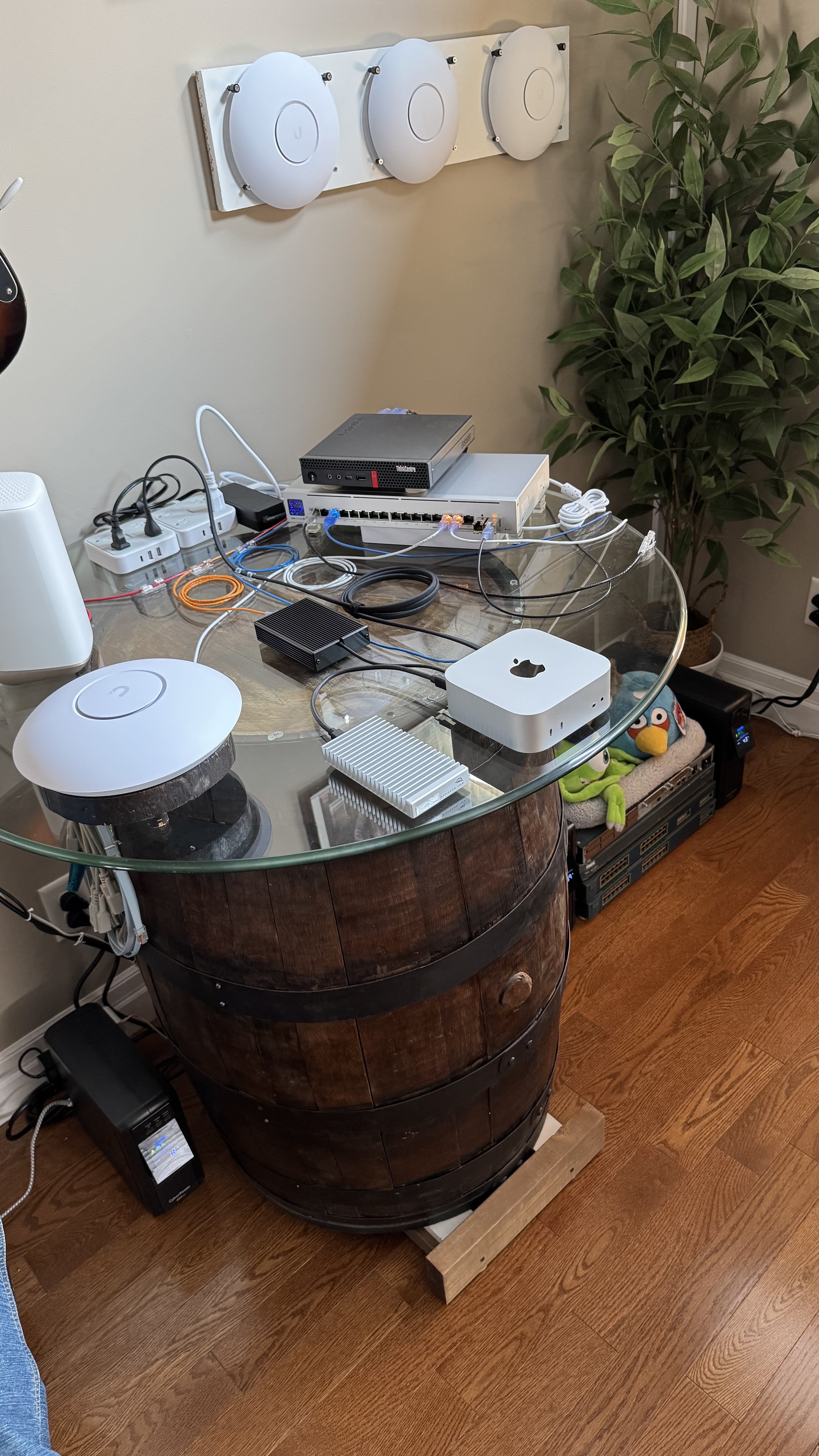
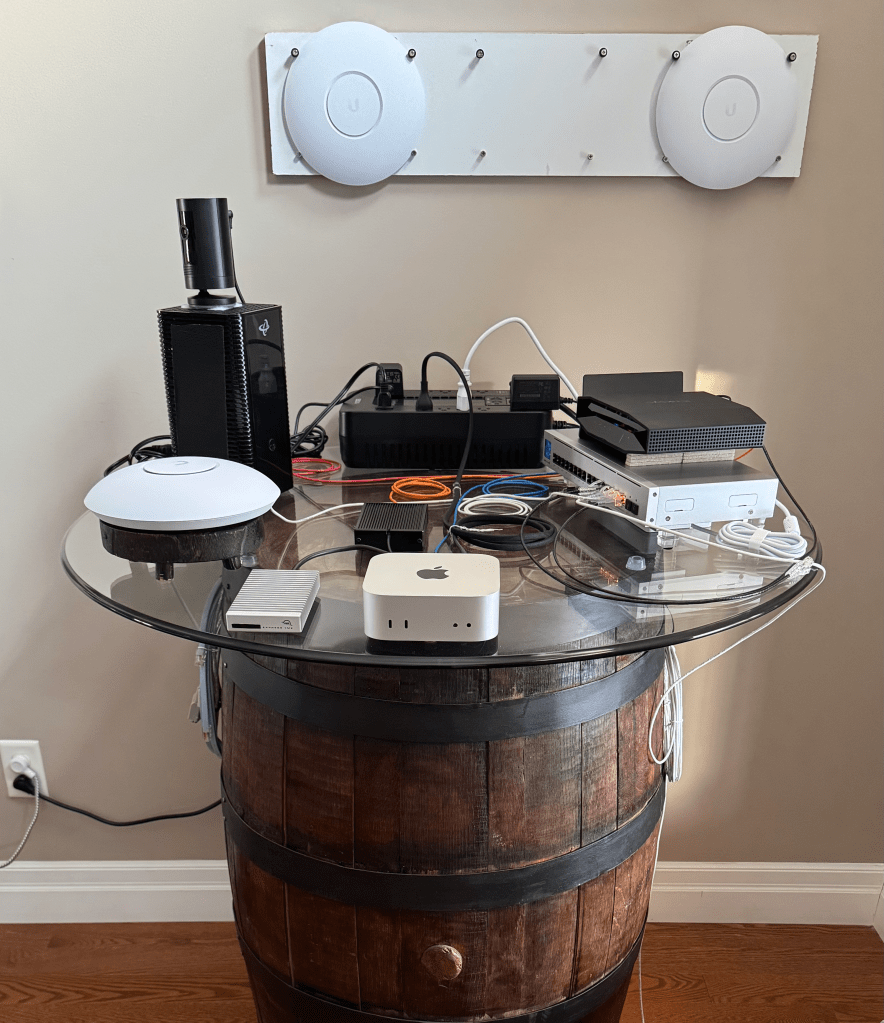
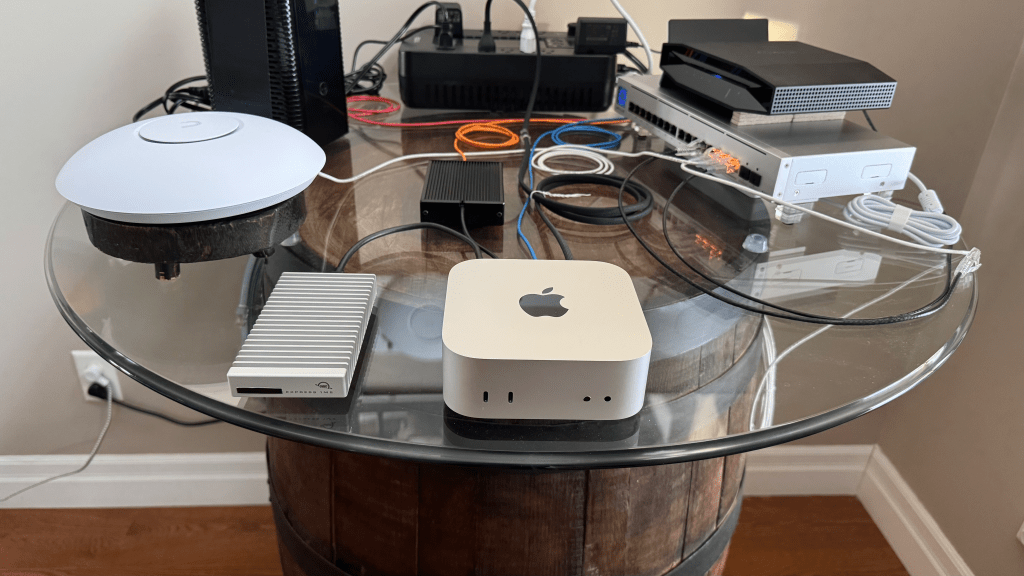
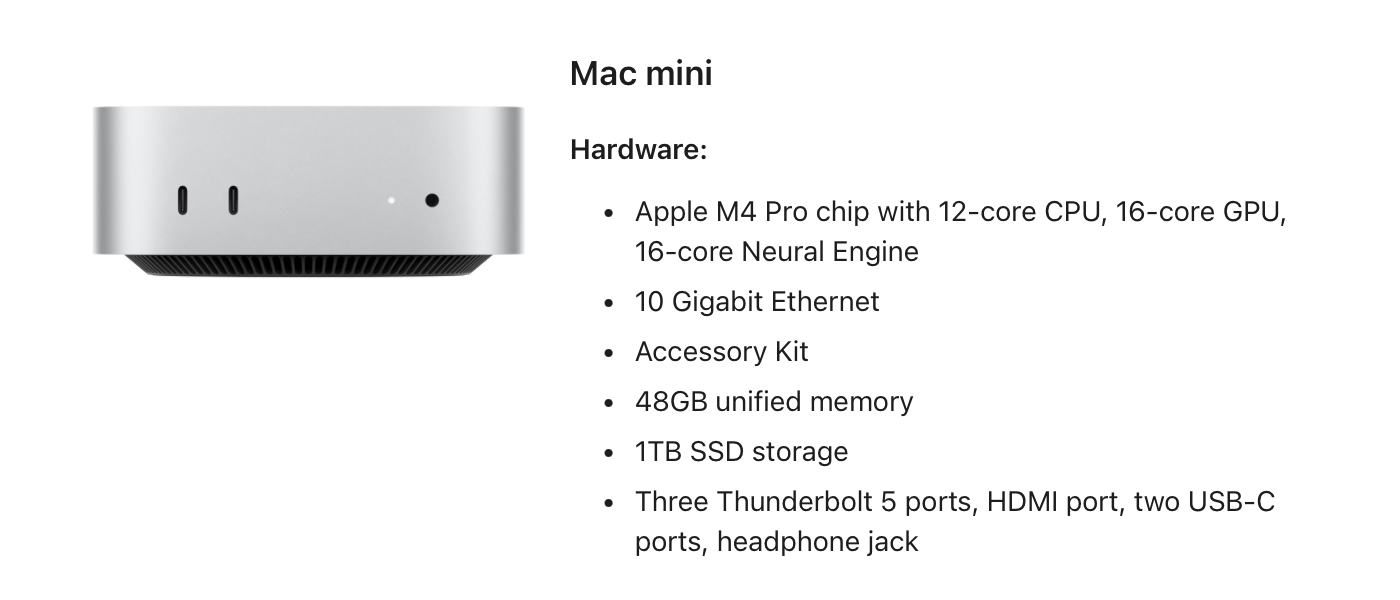
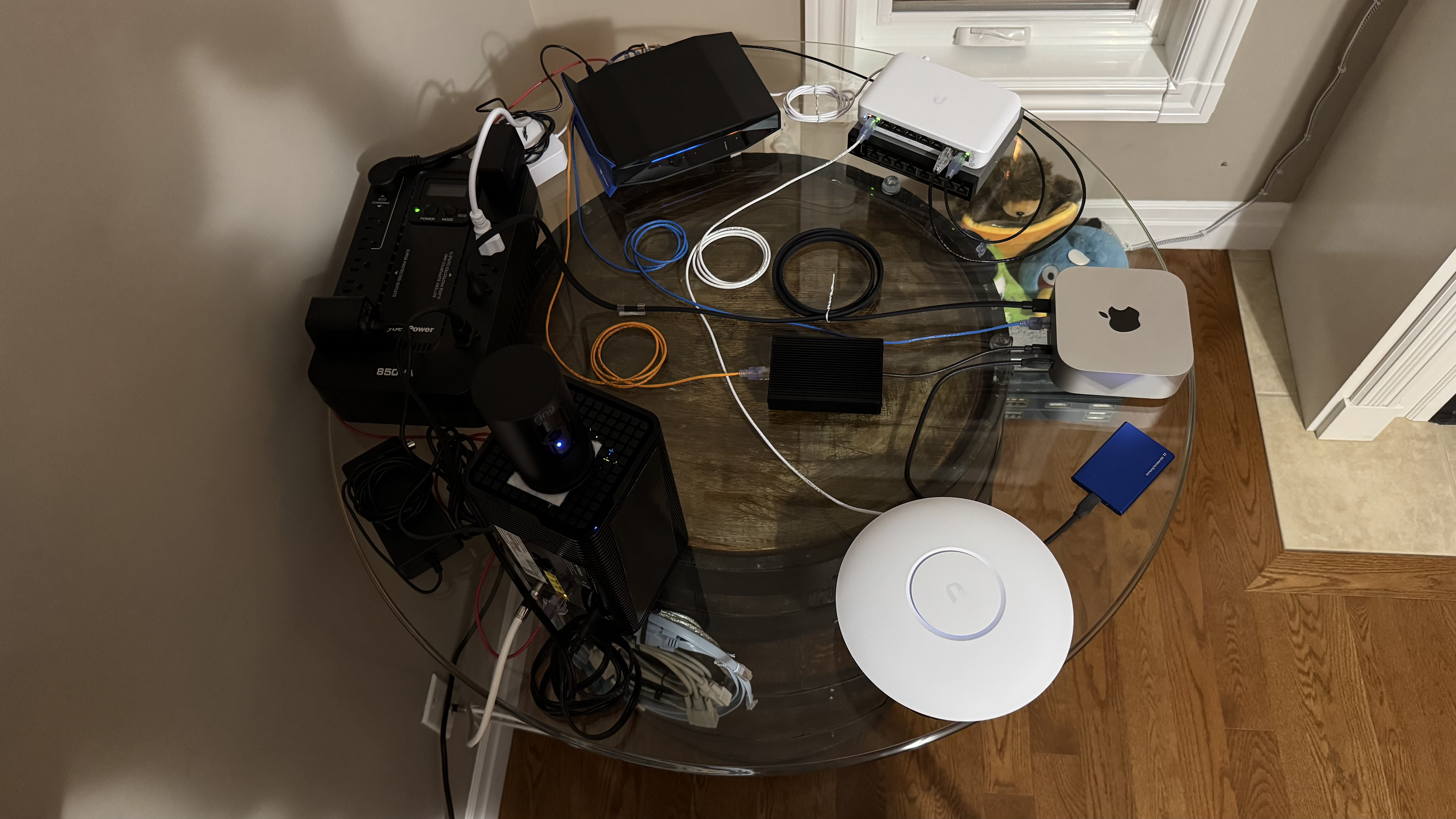
This is a newly modified setup I’m testing out instead of the Linksys OpenWRT I am using the Lenovo M920Q with Debian. I also installed the StarTech 4-Port 2.5Gbps PCIe Card (Intel I225-V) and the PCIe 16x Riser Card. The M4 Mini has 2 attachments including the Sonnet Solo10G and the OWC 1M2.
Author Archives: fossjon
The M4 Mac Mini Is An Amazing Headless Network Appliance In Terms Of Size & Performance (The Heart Of My Setup)!
I run a number of things on it, including:
- Extra Attachments (Sonnet Solo10G & OWC 1M2)
- Linux VMs (routing & firewalling for the network)
- File Sharing (media server for the AppleTV)
- Web Services (remote control for my mbp from my iphone)
- Backup Server
I forgot to post, happy new year!
I’ve been trying to get things in order before the end of last year and into this new year of 2025 so I can try to lessen any worries that might come up. I was doing a complete re-write of the core network-wide proxy-service and this time I have also tried to write it in both Python and C so the code bases so mostly match and line up with each other. The main problem I think is that I tried to generalize and condense the code base too much and I think this can cause problems as the packet tracking for UDP and connection state for TCP is a bit different from each other. This time I have separated out each component into its own dedicated section, the downside is that it’s a much larger code base with potentially duplicated code snippets. It’s a strange kind of project and hard to describe it but the best way I can think of it as is a Transparent Layer 4 MITM/Proxy service π
The core components now have the following layouts:
| Protocol | Mode | Operation |
| UDP | Client | Send |
| UDP | Client | Read |
| UDP | Server | Send |
| UDP | Server | Read |
| TCP | Client | Send |
| TCP | Client | Read |
| TCP | Server | Send |
| TCP | Server | Read |
Edit: Note to my future self, always remember to ulimit -n 65536 before launching!
Note: This post is a follow up from the previous: [post] [post]
I’m still fine tuning & adjusting it but the source code links can be found here:
https://github.com/stoops/pyproxy/
https://github.com/stoops/vpn/
~
Soon, The Answer To Our Keeb Problems, May Get Solved! :) :O
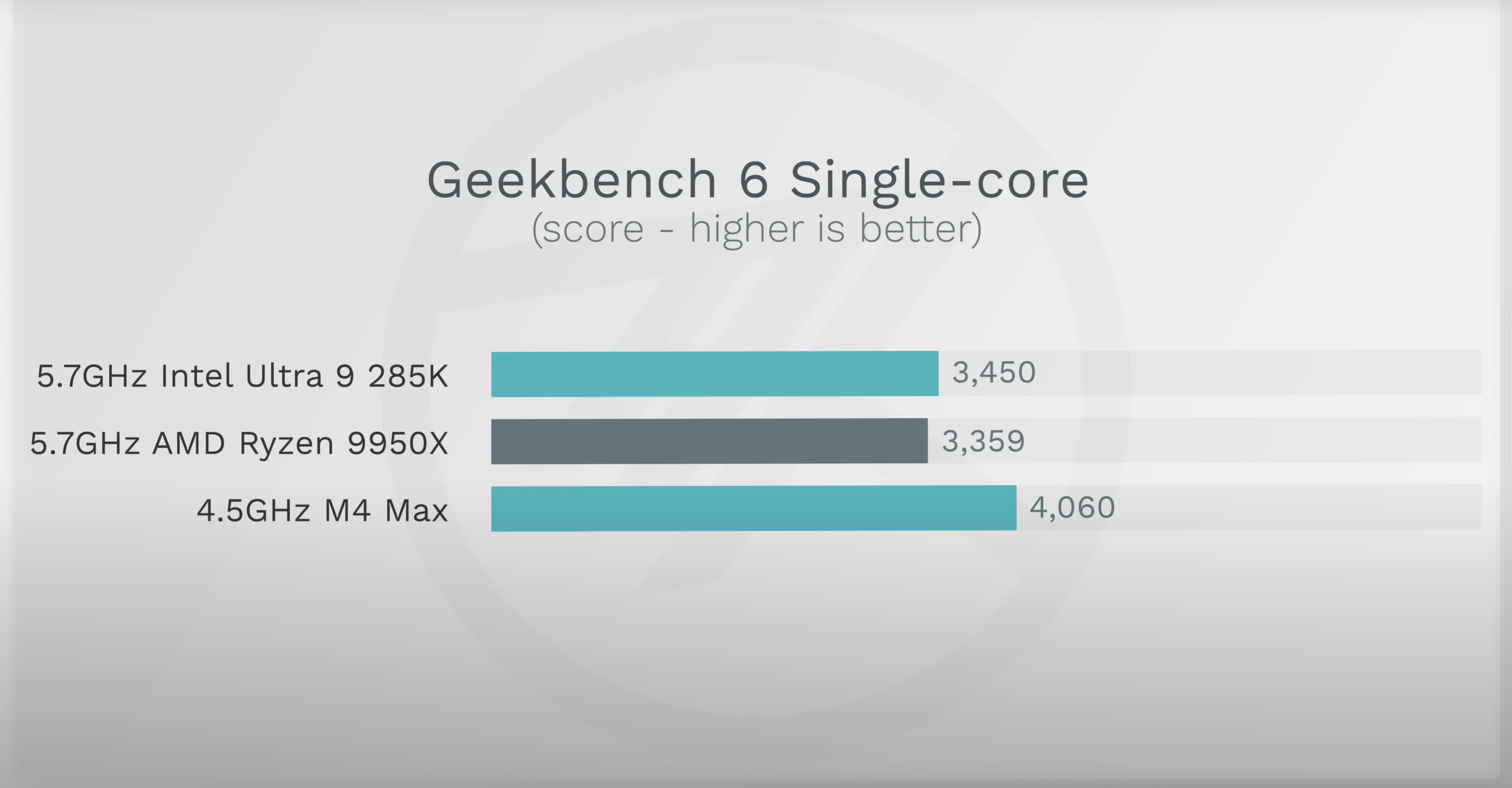
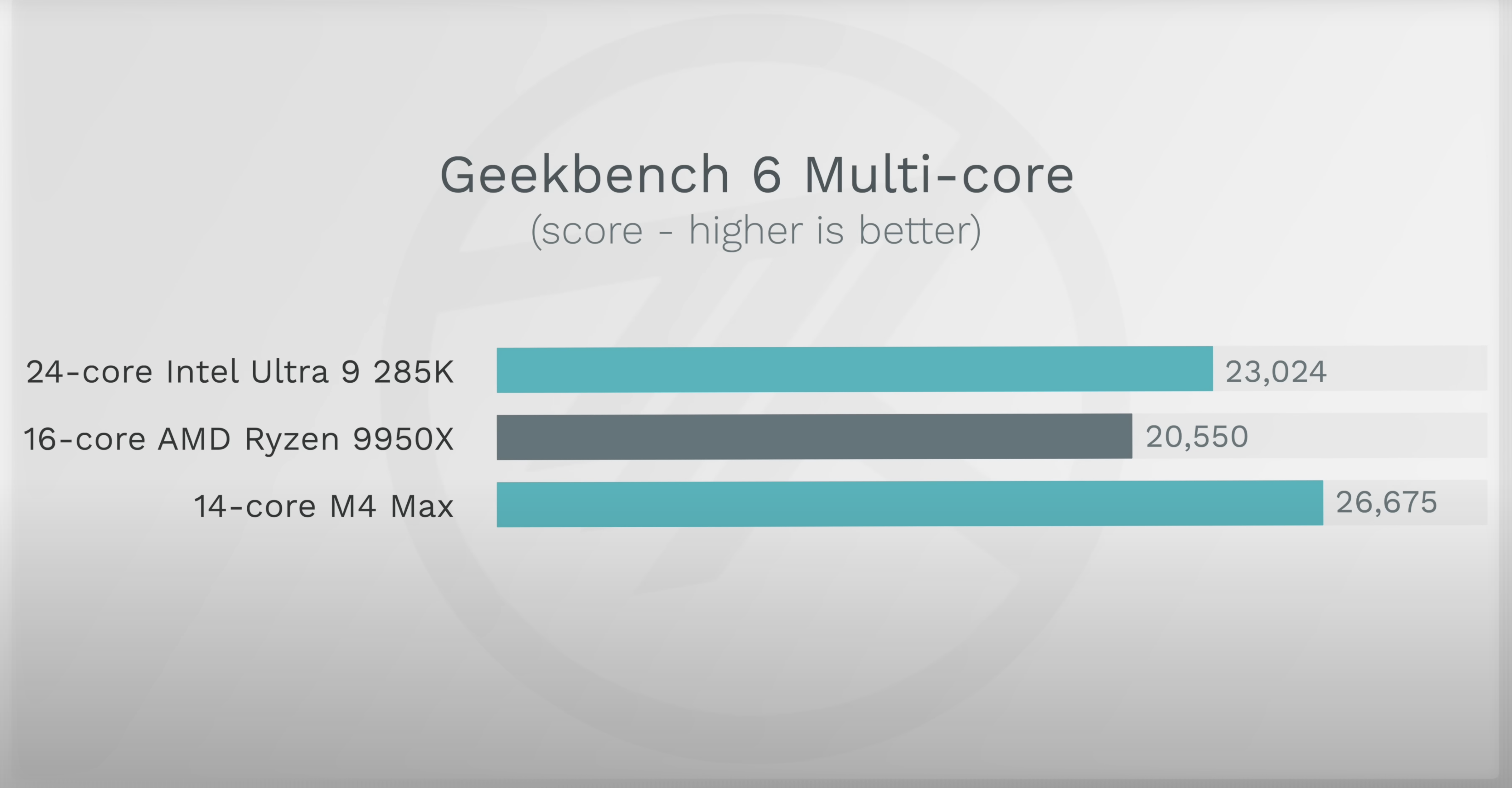
Apple Finally Did It, They Beat Intel – The M4 Max Is A Beast, What Will The M4 Ultra Be?
And is it soon time for the M4 Extreme? :O (:

~

Edit: Some prediction calculations π
M2 Max Multi Score: 14678
M2 Ultra Multi Score: 21352 (~46% increase between max & ultra)
M4 Max Multi Score: 26675
M4 Ultra Multi Prediction: 38945 (using roughly the same 46% increase from M4 Max)
M4 Extreme Multi Prediction: 77891 (multiplying the M4 Ultra prediction by 2?)
Apple Did It Again – Thunderbolt 5 – Expect Newer/Better Displays Finally! (:
Apple just introduced Thunderbolt 5 which with its higher bandwidth will finally allow for the true and properly designed displays that I think Apple was waiting for. I predict possibly a 27/32/36 inch line up with 5/6/8K resolutions with 120Hz refresh rate. The only remaining question is, will it be Mini-LED for multiple dimming zones or possibly OLED?
Things I use the Mac Mini for:
- Network Backup / Storage
- Local Web App Services (iPhone/iPad/Airpods)
- Plex Media Server (AppleTV)
- Linux Proxy Server VM (Parallels)
The iPhone Line Up Grid and Nice iOS Updates
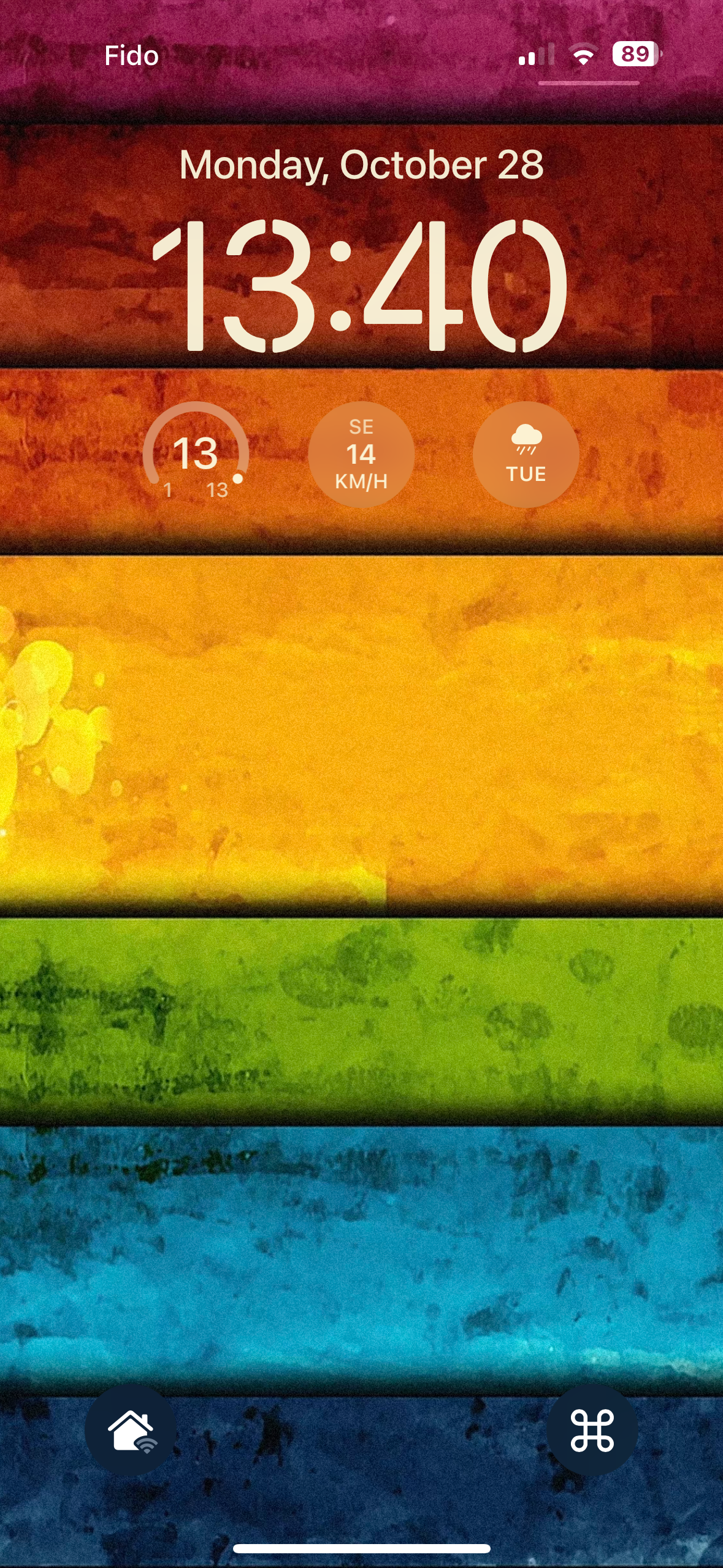
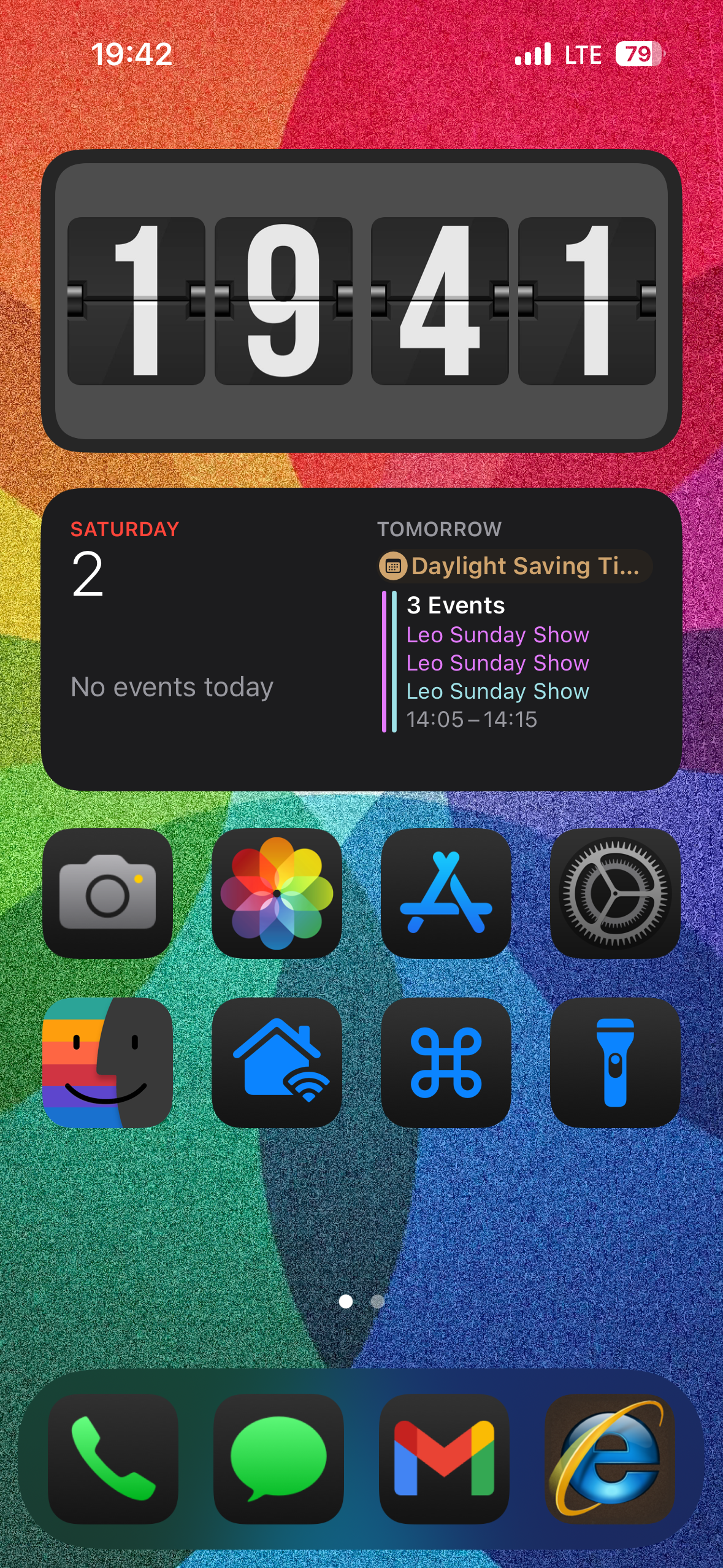
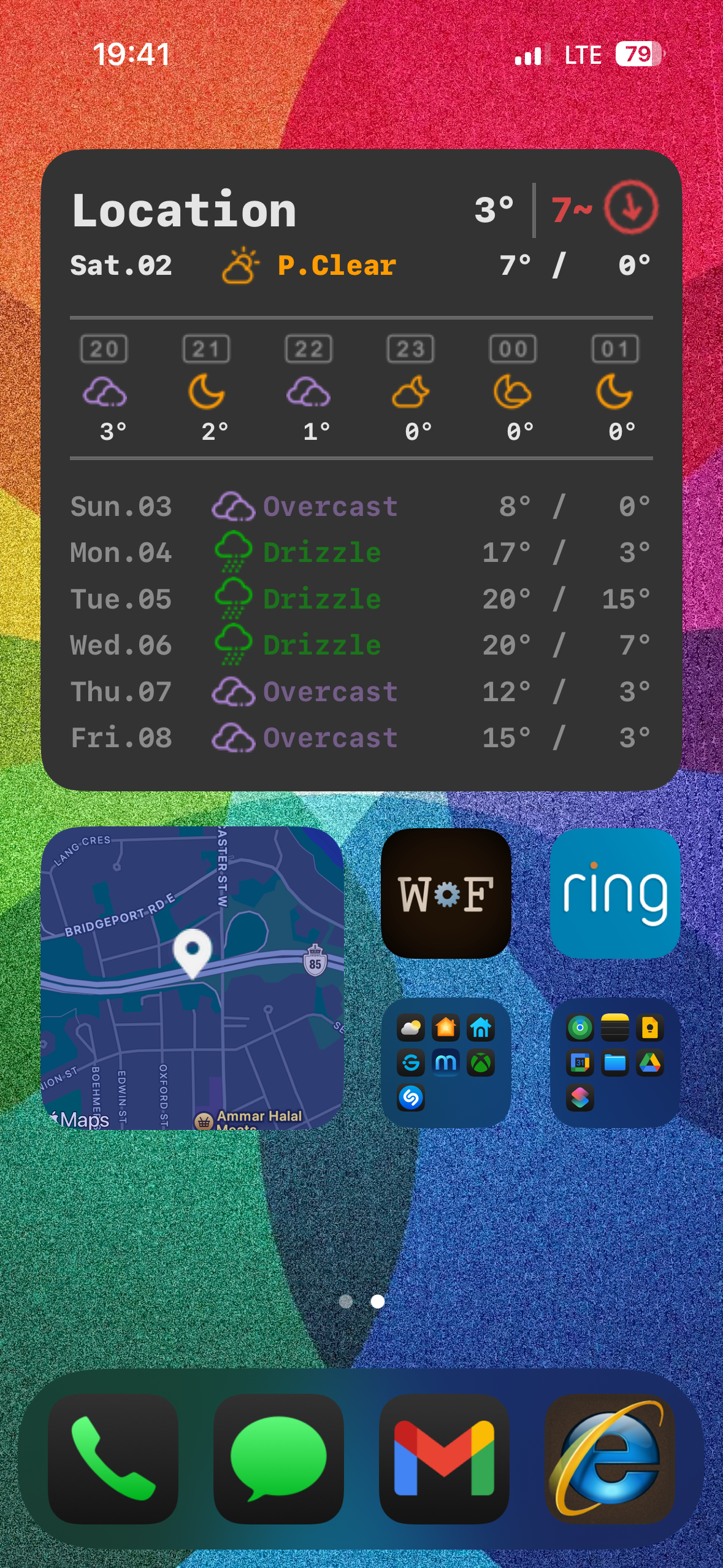
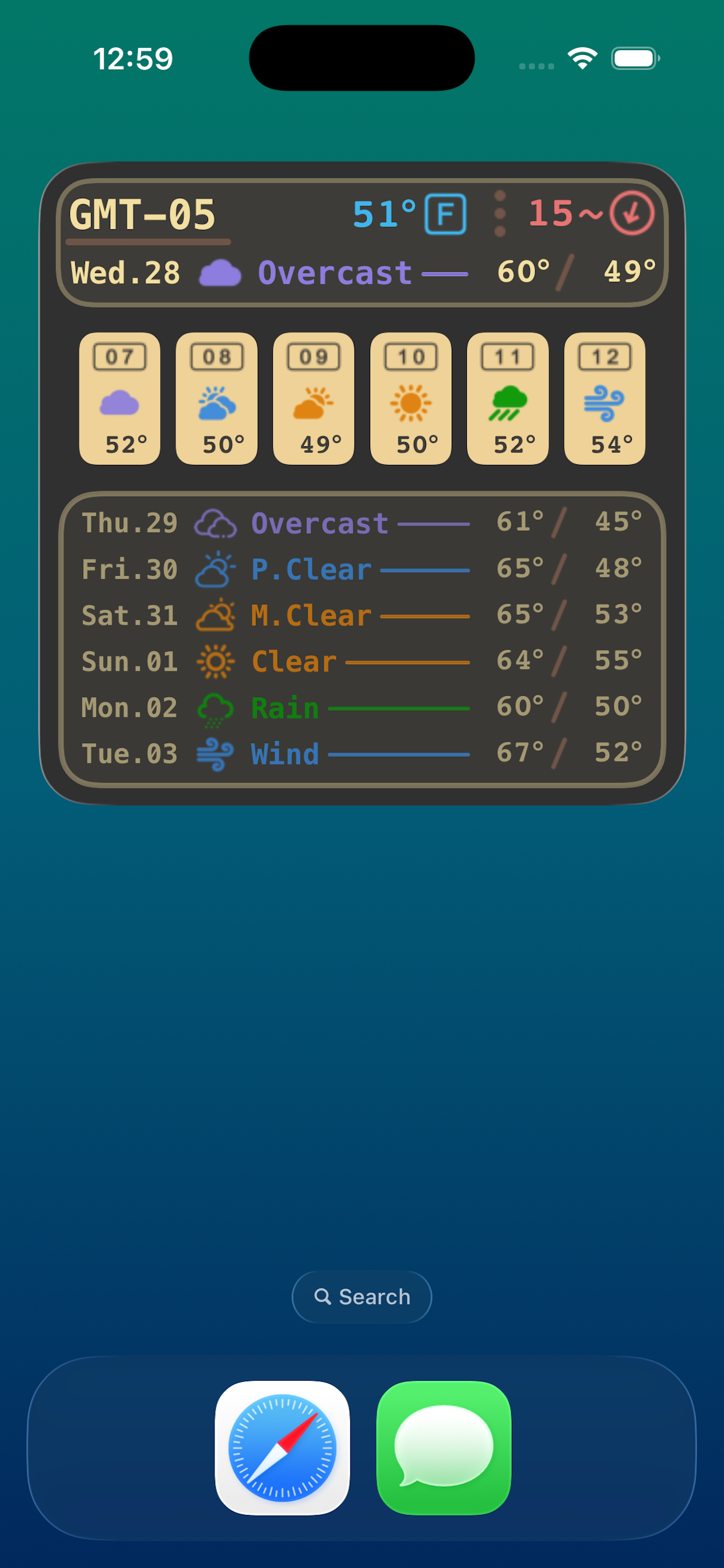
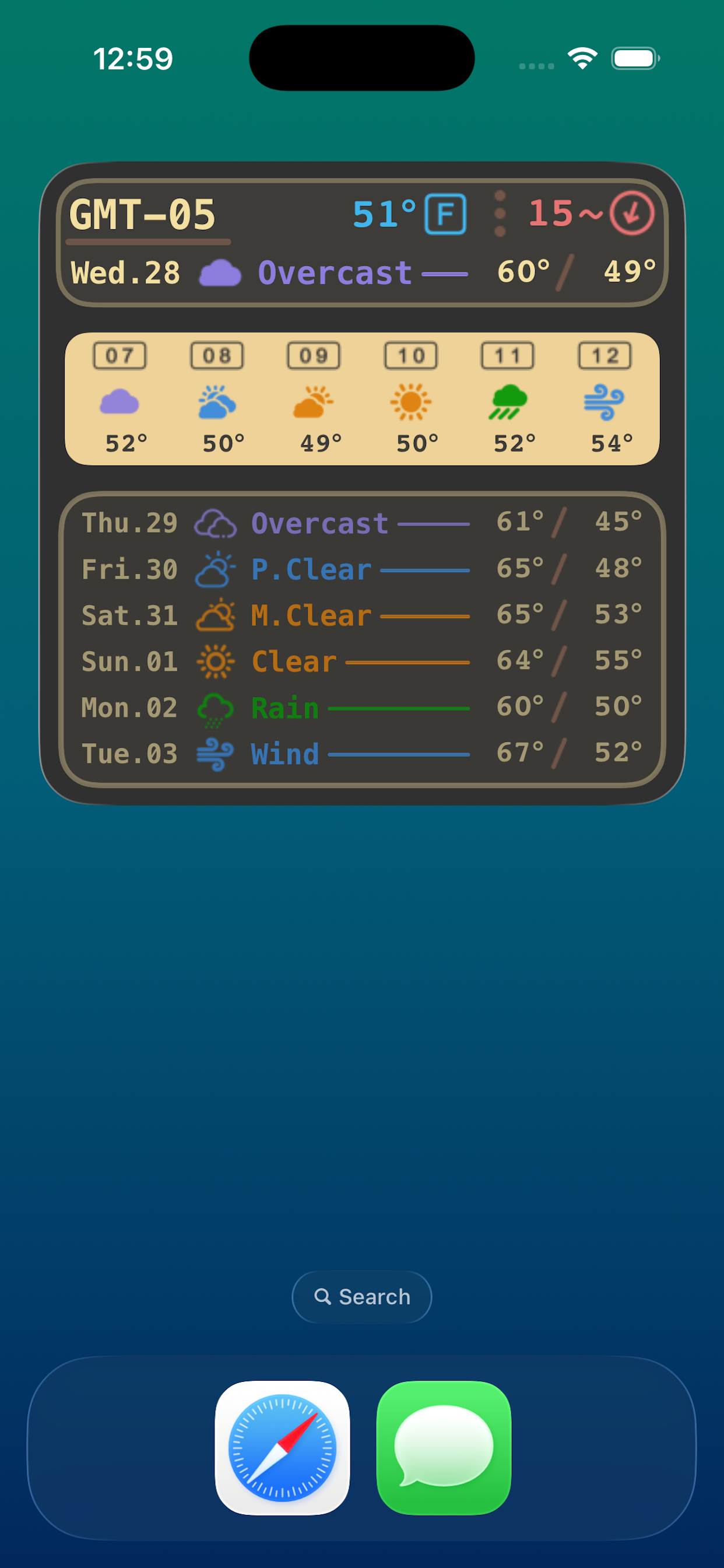
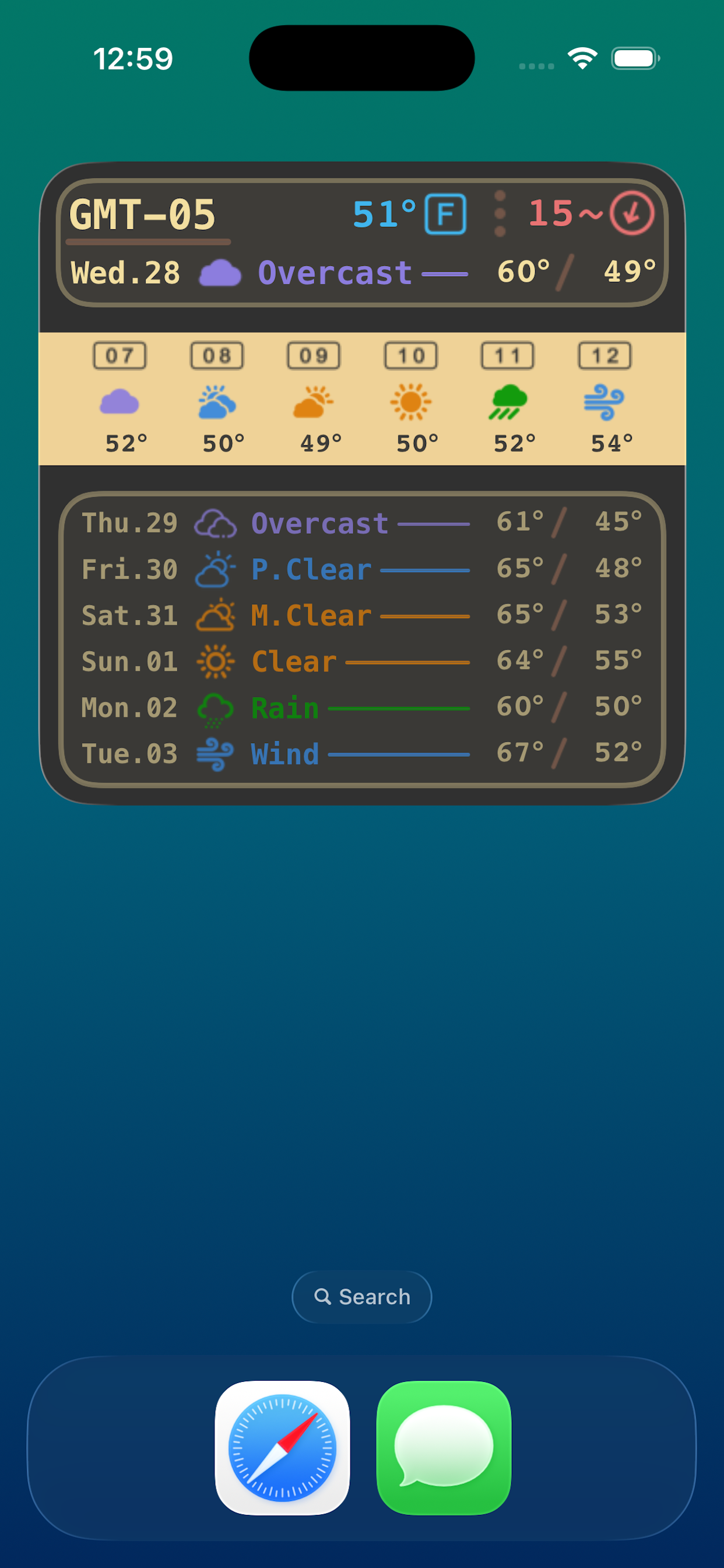
The latest version of iOS brought some nice updates to allow you to customize the look and feel even further than before. It has allowed me to set 2 shortcuts on the home screen (one for my switch bot app and one for my custom MacBook controller web app). I also like the larger dark mode icons without the text labels below them. Here are my current screenshots and setup:
~
When Steve Jobs came back to Apple, he drew a 2×2 grid to reorganize the Mac product line up and offerings. I believe the iPhone needs a similar grid in 2×3 form, for example:
| iPhone | Small < 6.0β | Medium > 6.0β | Large < 7.0β |
Consumer | 5.5β OLED Screen 2 Cameras Embedded 120Hz Display Med Size Storage | 6.1β OLED Screen 2 Cameras Embedded 120Hz Display Med Size Storage | 6.7β OLED Screen 2 Cameras Embedded 120Hz Display Med Size Storage |
Prosumer | 5.7β OLED Screen 3 Cameras Embedded 120Hz AOD Large Size Storage | 6.3β OLED Screen 3 Cameras Embedded 120Hz AOD Large Size Storage | 6.9β OLED Screen 3 Cameras Embedded 120Hz AOD Large Size Storage |
Starting a new app for iPhone that allows for some pre-styled/formatted widgets to be used!
I am using this page as the officially documented support page for a new iOS app called “Widgets Factory”
It has been recently initially approved and released to the iOS App Store!
~
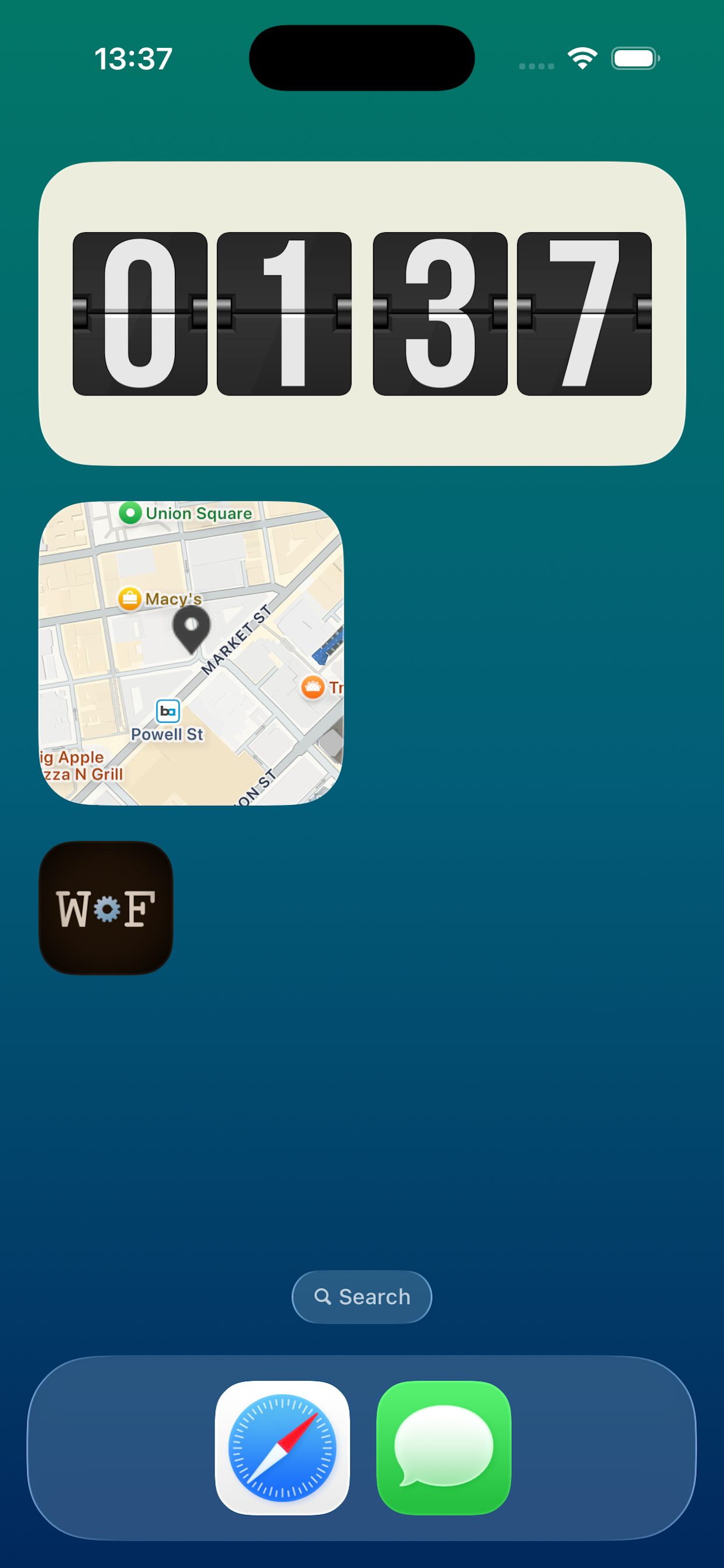
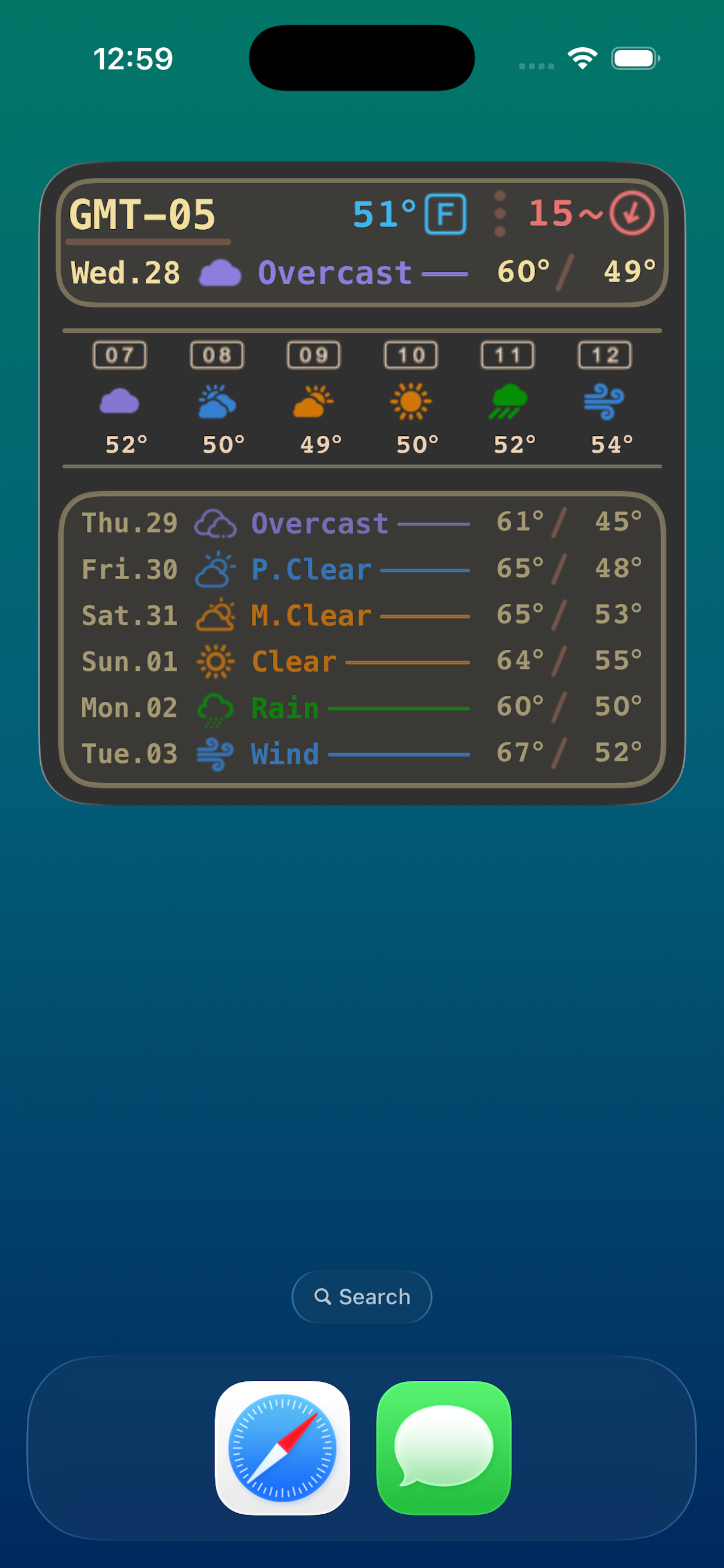
Here are some example screenshots:
~
Known Issues
The background task and refresh processing capabilities on iOS are severely limited and hampered due to some of the more hostile protection mechanisms built in. I will also say that these protection mechanisms do serve a good purpose as to try and protect the battery life and foreground processing requests to give the user a better mobile experience. It would still be nice if Apple could improve the background system to guarantee some additional service capabilities:
- Don’t sleep or stop the apps non-main thread if it is registered and expecting a background refresh, instead provide a minimum/minimal percentage of dedicated processing time overall
- Ensure that the requested caller gets a background refresh process time after waiting a maximum of 5-15 minutes
- Provide a specific API method call that is background approved to perform the basic needed tasks on behalf of the calling application with a minimal guaranteed processing time:
- Location Coordinates
- Map Snapshots
- Web Fetches
- Widget Views
- Push Notifications
Future Wishes
It would also be nice for apps that are free without ads to be able to have a one-time (or even re-occurring) tip jar that user’s could donate whatever amount they feel comfortable with to the developer.
Contact Information
- root<ats>fossjon<dot>com
- Or comment on this post!
~
Yet Another Attempt At Proxying My Entire Network (Poor Man VPN)
It’s been a busy year for me again, trying to focus on my self and my health. Mapping out dietary and seasonal allergies, still on the mission of No Dairy, Eggs, Caffeine, High-Fructose-Gluctose-Corn-Syrup, etc. I am able to breathe better and sleep better which is much needed as I get older.
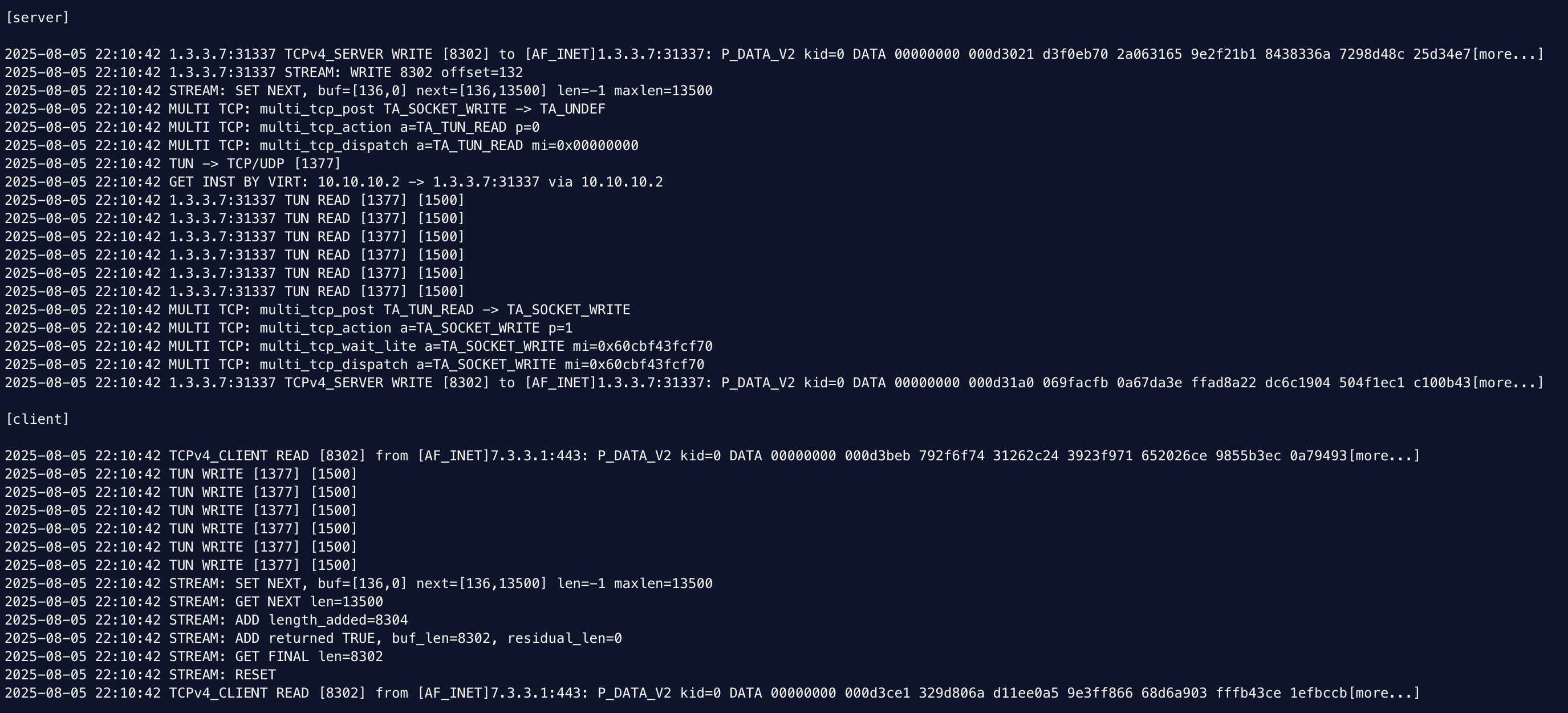
Anyway, I was still running the experiment of tunneling my entire home traffic (network wide) and all connections through a VPN. I first ran into MTU packet size and fragmentation issues related to the fact that the clients on my network default to a 1500 MTU whereas the VPN tunnel interface drops that size by at least 40-60 bytes worth. This can result in packet fragmentation and performance issues which OpenVPN has support for but WireGuard does not.
I then switched to a proxy setup where I redirect and pipe all connection data at the protocol level to a server-side service which forwards it to the VPN endpoint and then out to the internet. This setup had much better performance but I then ran into some connection issues as the firewall states and the timeouts may not exactly be honoured correctly by the serving application.
I rewrote my Python made framework to start fresh again and go back to basics in a lower level language like C and this seems to be working better at the moment. I will continue to run this and test it out as the final replacement hopefully. The list of features this includes is:
- Transparent Dynamic Forwarding Proxy Service (load balancing capable with ip/nftables)
- Frontend UDP Network Connection ILB Mapping (from individual packets to stateful stream)
- Data Fragmentation + TCP Message Ordering & Delivery
- Simple ciphering and better performance
- C-language Multi-threaded
https://github.com/stoops/vpn/

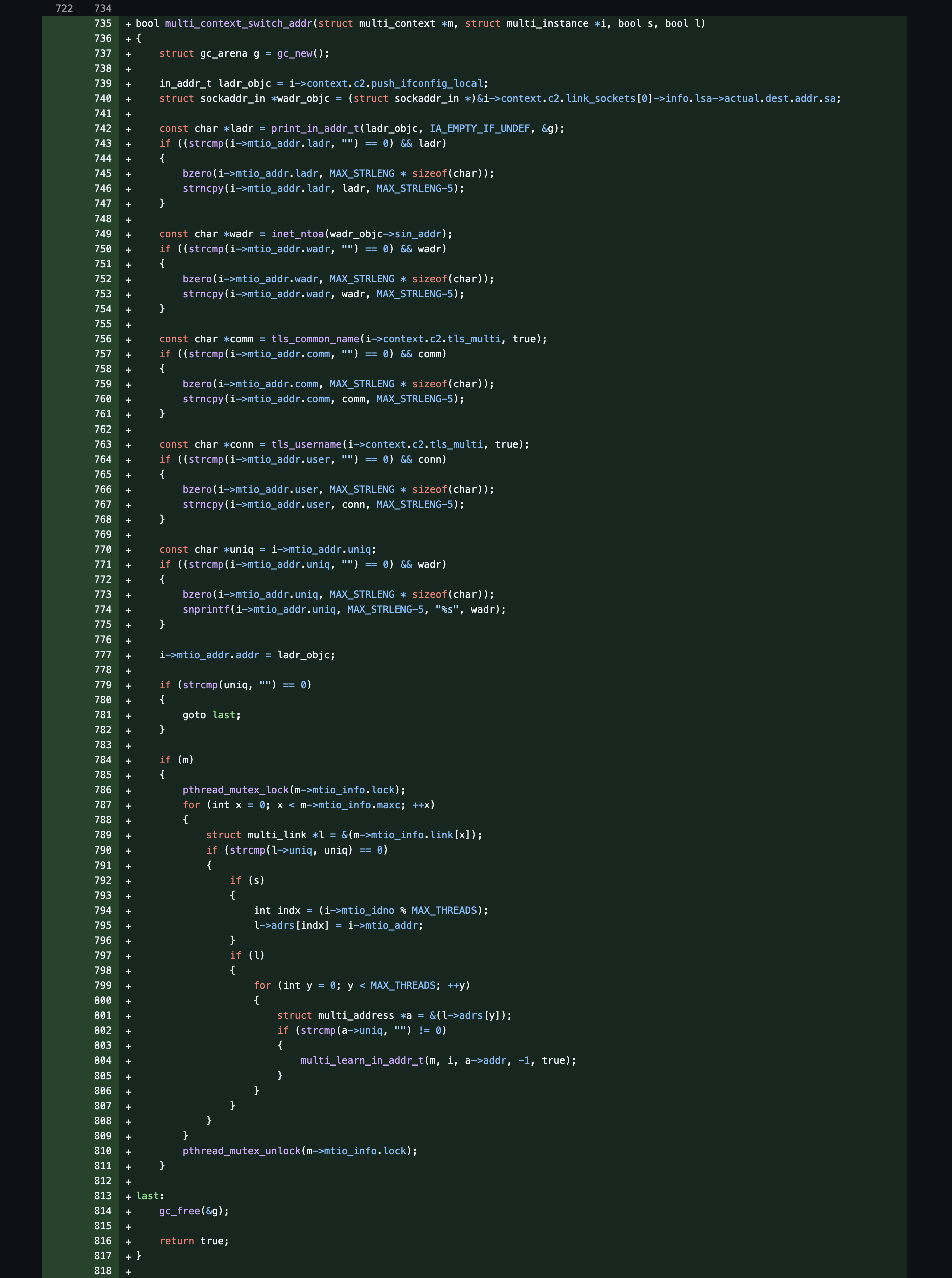
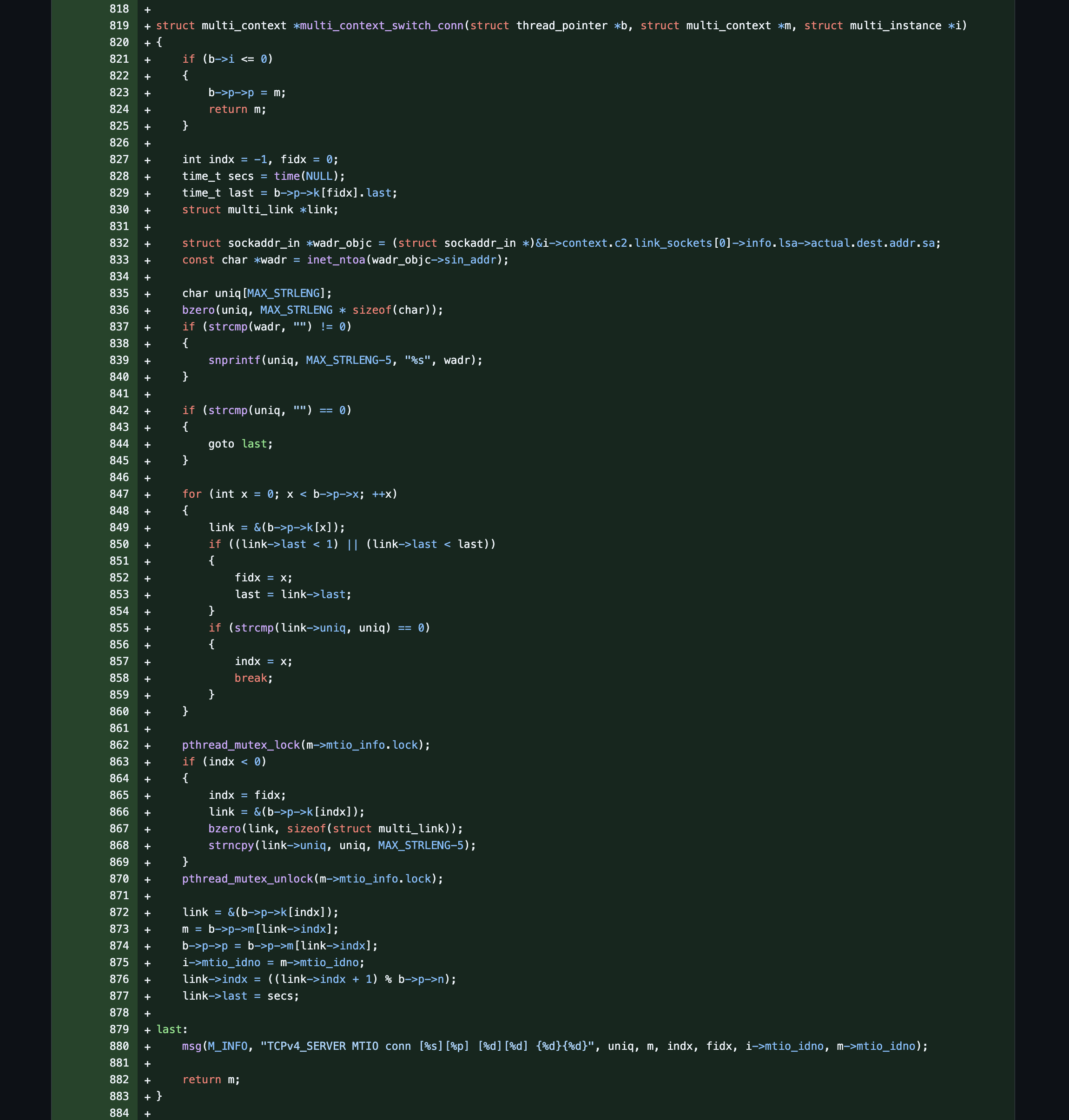
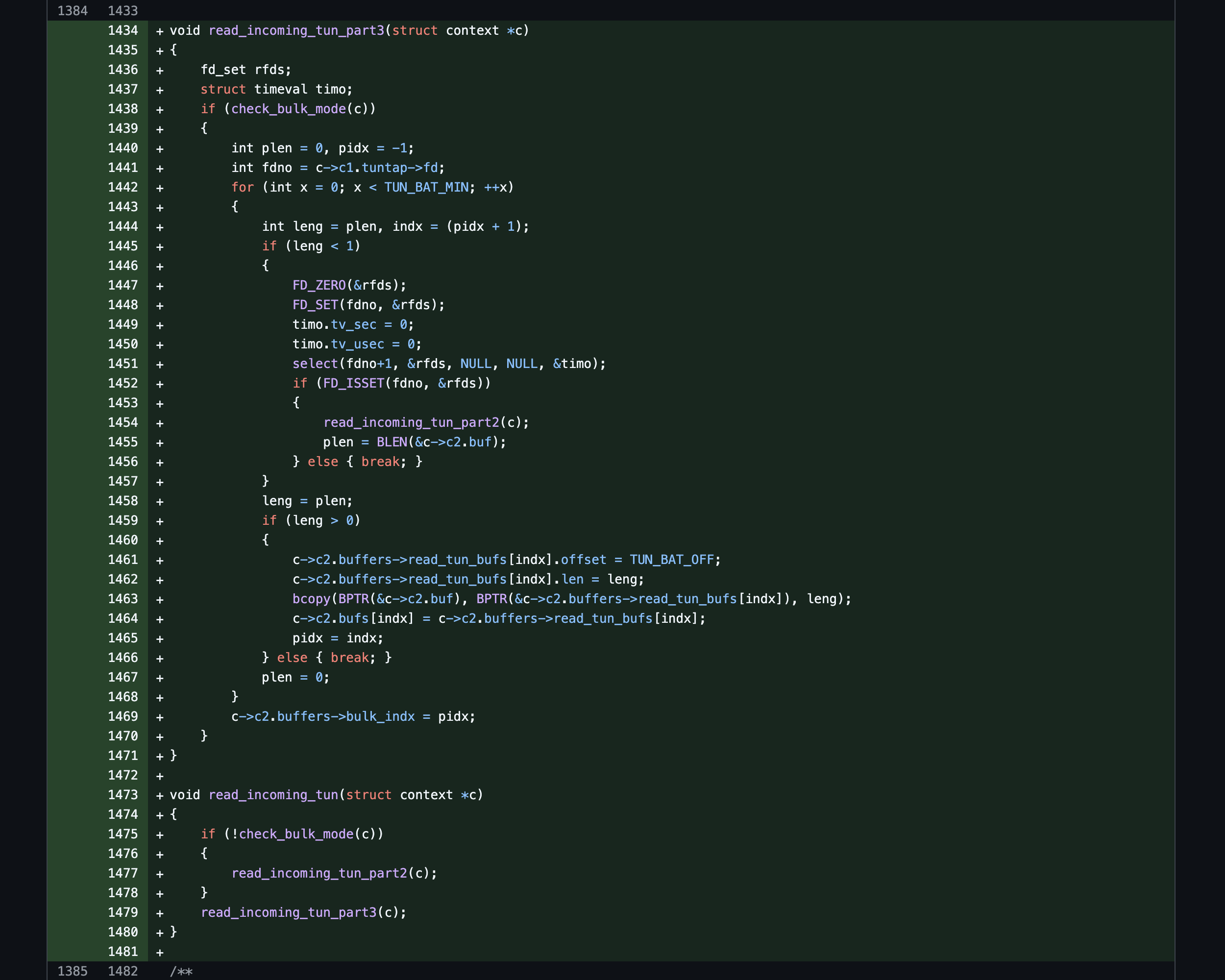
This is the magic part of the code which sits in front of the proxy service and shares the UDP connection states and pre-routes them to the already established VPN tunnel related for that specific load balanced connection.
The Mode 65R2 MK + Mods == The Holy Grail For Me?
So as I’ve gotten deeper and deeper into the keebort hobby, I’ve been able to build and modify and tune a few different designs and layouts (except for the Kohaku which has the nice gasket-cushioned leaf-spring two-piece mounting system but I cannot afford that GB). My favorite layout seems to be the 65 as it offers the dedicated arrow keys and basic navigation keys which I need for light coding tasks (second fav is the compact 75 layout like the Mode Sonnet offers).
I recently bought into the new Mode 65R2 pre-order (like I did with the Envoy) due to its two-piece mounting system and overall design which should allow for more options in modifying and tuning the keyboard after build. I selected the aluminum case and plate, brass weight, wood accent and the foam kit. I built the board with Boba U4Ts and used the plate foam only with the top mount configuration.


I then performed some modifications to try and lower the tone and clack of the board. I swapped out the top mount blocks and modified the full lattice blocks by cutting the tops off of them and poking holes through them so that they could be used in a top mount configuration and cushion the longer M2x8 replacement screws (force break top mount). I then taped up the bottom case to reduce the harsh metallic sounds and soften and lower the tones as well (force break bottom case).


~


~
Result: It’s like a Clunky and Thunky type of deeper lower end Clack and Chalk kind of sound profile. After similar mods were done to my OG Mode Sonnet, it sounds very similar, in addition to my old original Drop Alt but in a better and more elegant case and frame. It reminds me of an old school analogue mechanical typewriter sort of sound and it made me realize that that type of sound is what I prefer as it reminds me of something real from back in the day (nostalgia?) versus aiming for thock which doesn’t really remind me of anything other than a more artificial type of muted and foamed up sound profile (although still pleasant to my ear). This is def my fav keeb so far! π
Mode Envoy Typing Sound
Thank you Python for years of service and reliability so far (and the ctypes module!)
So I’ve run into this issue in the past but I finally started looking into why Python is soo slow at running basic math operations in a long loop, for example, simple stream cipher operations. You’ll see lots of suggestions to use numpy instead, however, I didn’t find this to be the most helpful. Since I like writing/reading C, I remembered that Python has a built-in ctypes module which is very helpful and useful if you are in need of specialized and optimized code paths. You can pretty easily pass in integer and byte array pointers with little complexity!
For example:

~

New Samsung S90C OLED – Green Screen Of Death
So last year, for my birthday, I purchased a new Sony PS5 to update my gaming console after soo many years and it immediately failed on me by always shutting down during game play. This year, for my birthday, I decided to try and update my 8 year old TV with a new Samsung OLED for the first time and as my luck would have it, I was presented with the “Green Screen Of Death”. The TV only just arrived a few days ago and is now dead so I have to go through the process of trying to contact a certified Samsung repair person to see if it can even be fixed. I can’t tell if its just my bad luck going on lately or if quality control at these companies has gone down hill but it’s starting to get harder and harder to find good quality alternatives! π¦
It Is Getting Harder And Harder To Find Good Quality Products And Services
Rant: Back in the pre-2000’s era, if you wanted to find out which product or service was of a given quality (low, mid, high) – you would have to reach out to the experts in society to help guide your research and information. Then, when technology came about, I switched my reliance onto two big giants called Google and Amazon. On these platforms, I was provided with the proper tools and mechanisms to search and research which products and services were of a certain specific quality-level and price-point before acting upon it. This process worked for me for a number of years, however, I am now running into what many have described regarding irrelevant Google search results (lost knowledge) and cheapening Amazon product listings (lost quality). I am now finding that in order to get to the exact knowledge on product quality in life, I either have to search Google for Reddit posts/comments and/or call an expert in real life to try and extract that experience, knowledge, and expertise that a person has built up over the years (assuming they haven’t retired yet). Things seem to be getting harder instead of easier as life and time go on — something I didn’t expect to happen when I was a kid growing up with all this once amazing technology!
Edit: Cory Doctorow has been covering this issue in a multi-part series under a new term ~ https://doctorow.medium.com/googles-enshittification-memos-2d6d57306072
Pros and Cons of the Controversial Apple Studio Display VESA Edition

Pros:
- Flat Industrial Design (Metal & Glass)
- Clean Even Rounded Simple Bezels
- 5K+ Display Resolution & 200+ Pixels Per Inch
- Single Cable Connection (Hub + Power)
- VESA Mount Monitor Arm Movement
- Brighter Brightness Helps Reduce Reflections
- Pretty Good Quality Speakers
Mids:
- Microphone/Camera quality is alright
- Non Removable Power Cord == bad
- No External Power Brick == good
Cons:
- No Higher Refresh Rate
- No Local Dimming Zones
- No physical buttons or controls
- No HDMI input port for an Apple TV
- No affordable larger-sized 32-inch version
Overall, this is an amazing monitor for creative text-based productivity-activities such as emailing, browsing, coding, terminals, etc. as the font is crisp and clear & sharp and smooth to look at. Most PC monitors have all sorts of different styles and technologies and designs built into them which are primarily geared towards PC gaming performance instead. This monitor is good at what it does and is nice to look at and lastly inspires me to use it — I just wish Apple offered a larger 32″ option that was more affordable!
Edit: As always, I appreciate Apple pushing certain industry standards forward such as Pixels Per Inch and Performance Per Watt as these metrics make a huge difference in day to day usage in terms of product quality.
Prediction: I think that when Apple is able to ship its first Macs with the updated Thunderbolt 5 port and bandwidth, we’ll then see the real versions of the monitors that Apple truly wants to make (for example, Mini-LED 10bit-color 120Hz-refresh — 27inch-5K / 32″-6K / 36″-7K).

The Back Of This Looks Better Than The Front Of Others π
~ Steve Jobs